Got a CGM? Get GotCGM™
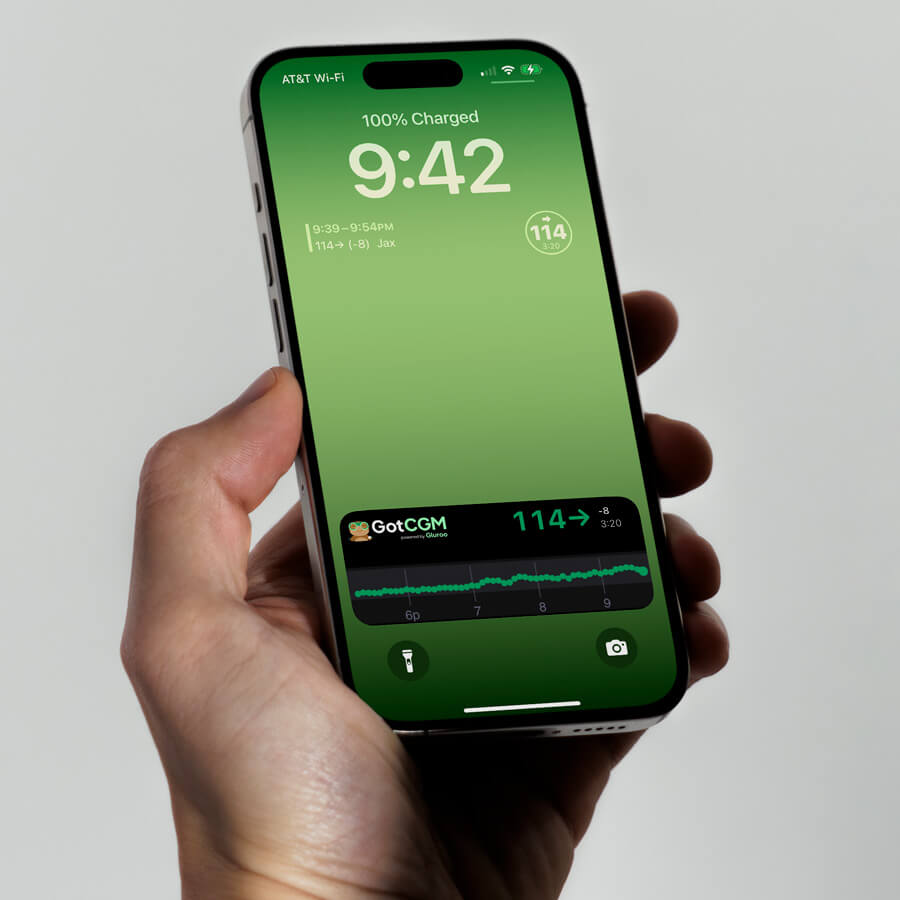
Log in with Dexcom or Libre, then see glucose readings on your watch, widgets, live activities, and everywhere you look.
Your blood sugar number. Now.
Learn more
Learn more
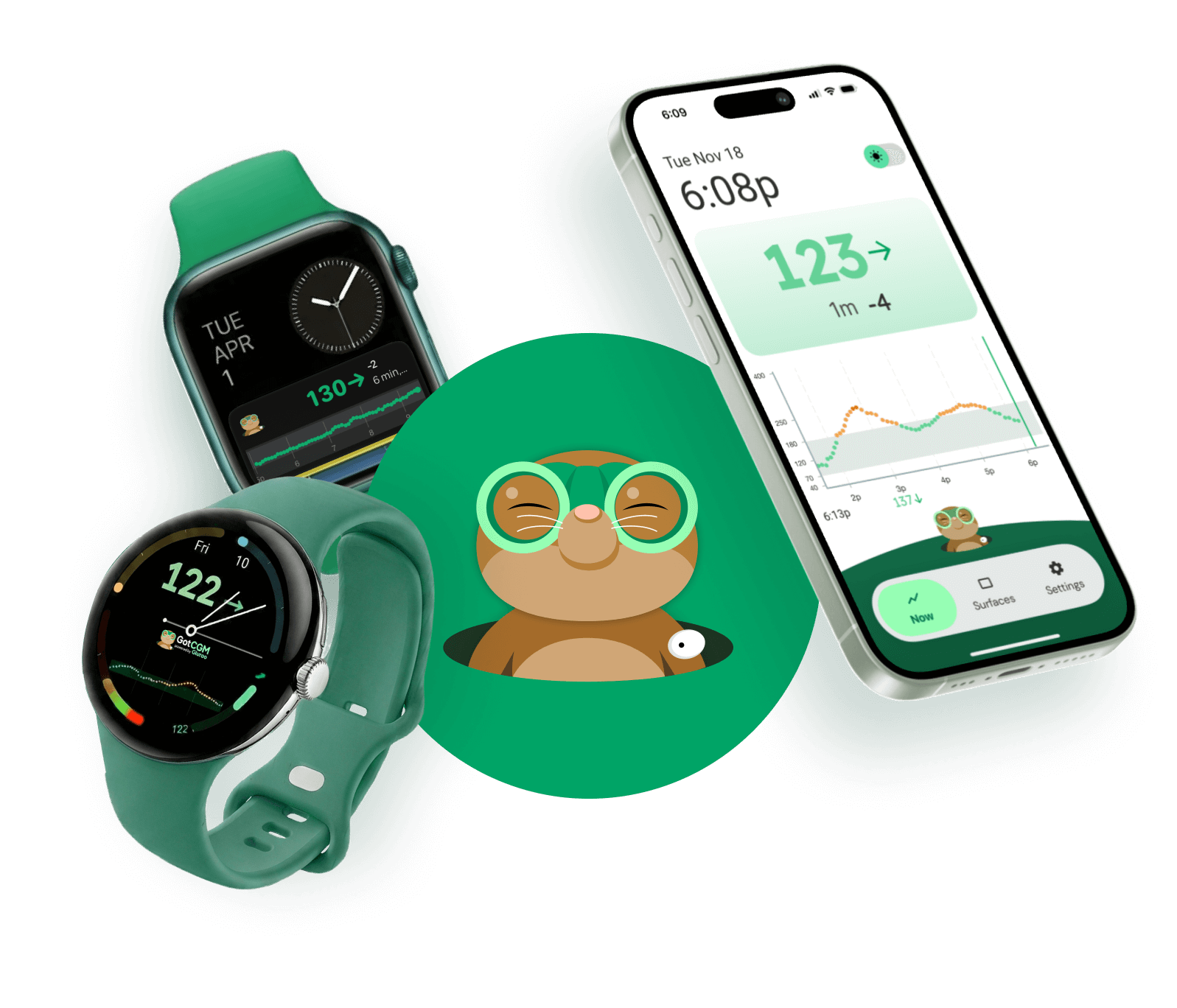
GotCGM™ takes the continuous glucose monitor (CGM) data from Dexcom or Libre blood sugar sensors and routes it in real-time to the places you actually look:
How it works
1. Connect
Sign in with your Dexcom Share or LibreLinkUp credentials.
2. Choose surfaces
Enable Watch complications, Live Activities/widgets, calendar events, and more.
3. Glance and go
See your current BGL, trend arrow, and time since last reading. Everything you need, right where you need it.